 Billboard
Rate Billboard
Give Billboard one to five stars from the dashboard, leave an App Store review if you're happy, or tell us what would make it better.
Last updated 28 November 2026
Happy with Billboard, or not quite? A rating takes about five seconds, and it goes straight to the people who build it.
Leave a rating
- Select your name at the bottom of the sidebar (on a phone, your avatar at the top) and choose Help and feedback.
- Switch to the Rate Billboard tab.
- Tap the stars. One is Not good and five is Love it.
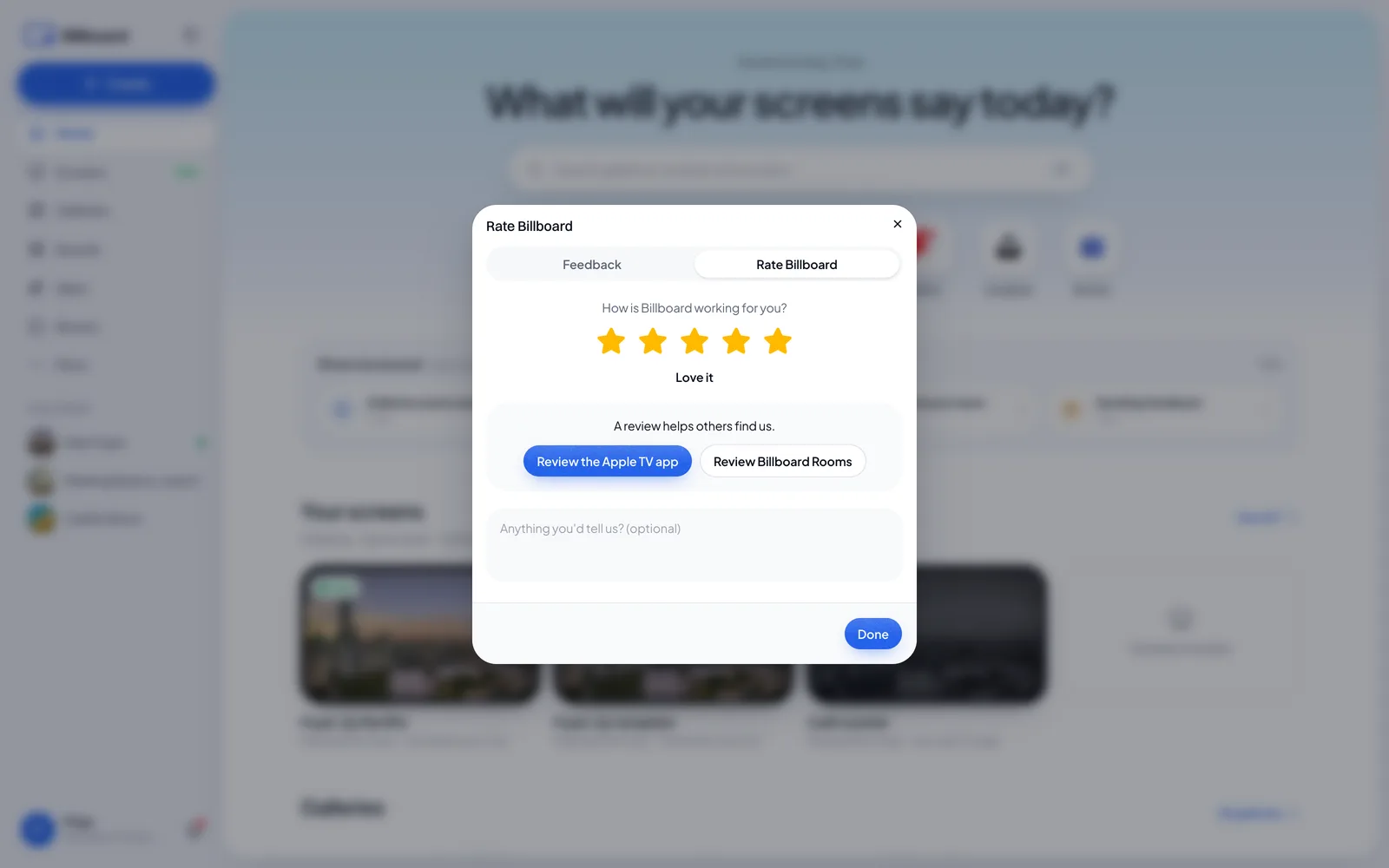
What happens next depends on the stars.
Four or five. Two buttons appear, Review the Apple TV app and Review Billboard Rooms. Each opens that app's write-a-review page on the App Store. A short review there is the single most useful thing you can do for us, because it's how other schools and offices find Billboard. There's a box for a note to us as well, if you'd like. Select Done when you're finished.
One to three. We ask what would make it better. Say as much or as little as you like. The comment is optional, so you can send the stars on their own. Select Send.
You can rate again any time, say after a big update.
Something specific to report?
The other tab, Feedback, is for a bug, a question or an idea. It takes a screenshot of the page you were on so we can see what you saw, and you can switch that off before sending.
Need a hand? Email support@getbillboard.app.