Know which room is free before you walk to it
A screen outside every meeting room, showing what is on now and what is next. Anybody standing there can take the room for half an hour without opening a laptop or finding whoever owns the diary.
Rooms works on any account, including Free. The iPad app is on TestFlight during the beta, and the browser panel needs no app at all.
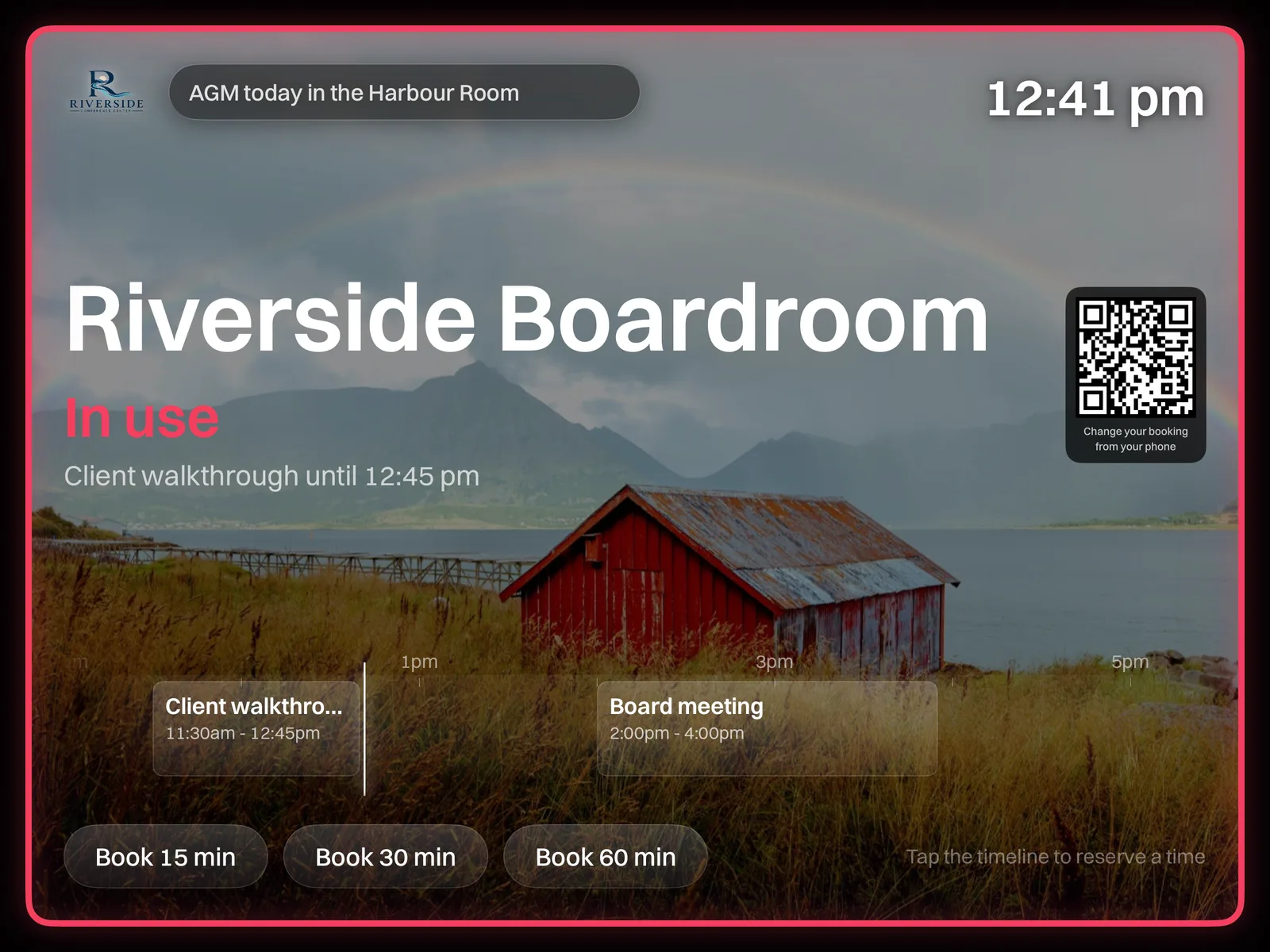
Two ways to run a panel
Mount an iPad, or use the browser
On an iPad
Billboard Rooms from the App Store, mounted by the door. Built to sit on one screen for months and wake properly when somebody walks up to it.
In a browser
An old tablet, a spare laptop, any screen with a browser. The quickest way to cover a room today, and the same panel either way.
An iPad locks to the app with Guided Access, or with Single App Mode if you run an MDM. Setting one up and deploying a fleet.
What it does
Booked at the door
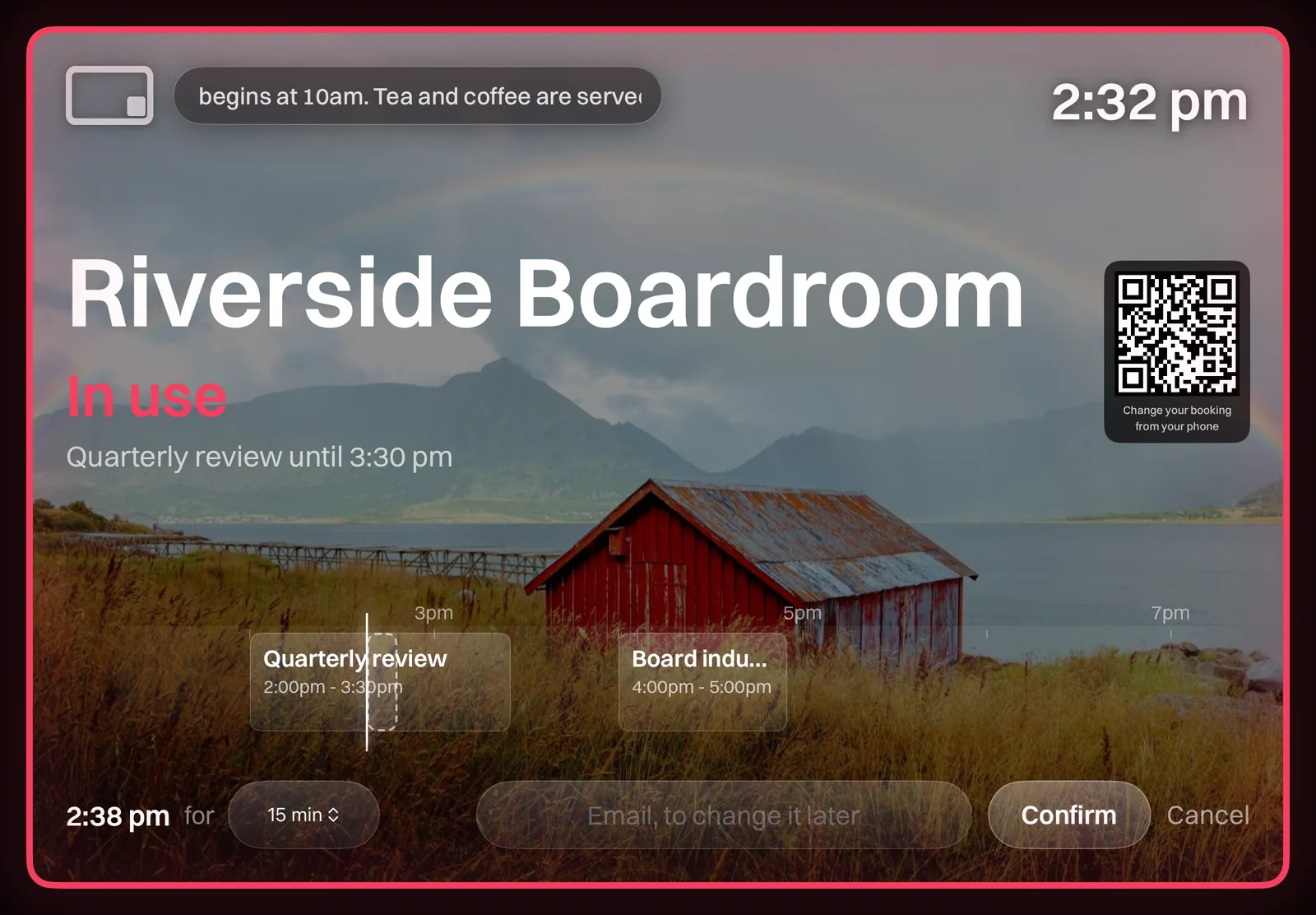
Book from the panel
Tap an empty stretch of the day, pick a length, confirm. The room is yours and every other panel knows within seconds.
Only yours to change
A booking made at the door comes with a six digit code. It is the only thing that can extend or cancel it, so a passer-by cannot clear your meeting off the wall.
Hours it will not break
Set opening hours and a ceiling on a single booking, per room. The panel only offers lengths that actually fit before closing.
A code, not a name
Tap a booking and the panel asks for the six digits it issued when the room was taken. Until that is right it will show you the meeting and let you change nothing.
It has to work that way. A panel hangs in a corridor and anybody can touch it, so being the panel that made the booking proves nothing, and neither does a name.
Make it yours
It should look like the building it is in
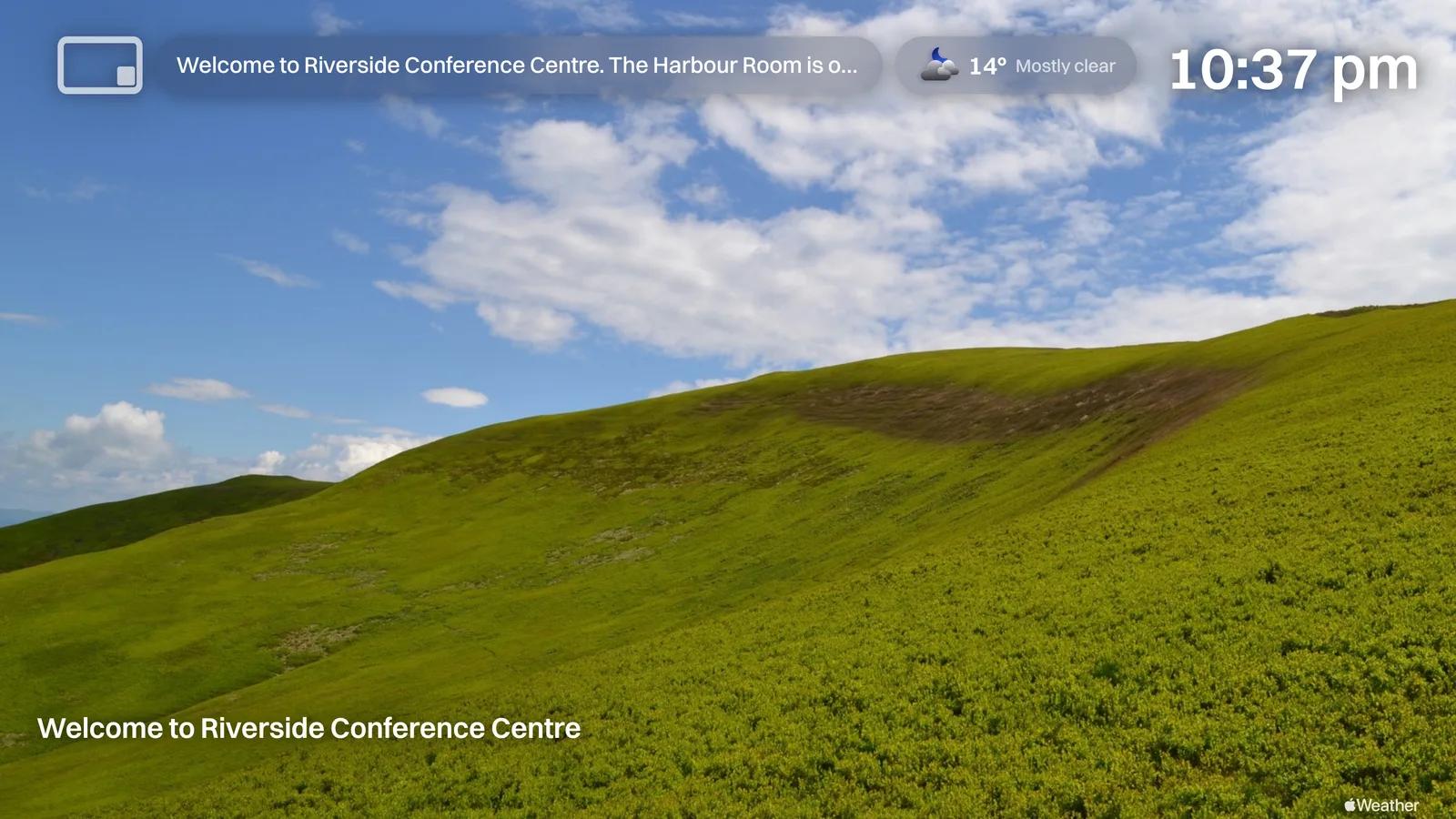
A photo of the room, or one of the plain presets, light or dark. Your logo in the corner, the clock, a notice for everyone walking past.
It is the same design language as Billboard on your screens, on purpose. The type, the chips and the way a photo sits behind everything come from one set of rules, so a panel by the door and a screen in the foyer look like two parts of one thing rather than two products you happen to own.
A screen, running Billboard
A panel, running Billboard Rooms
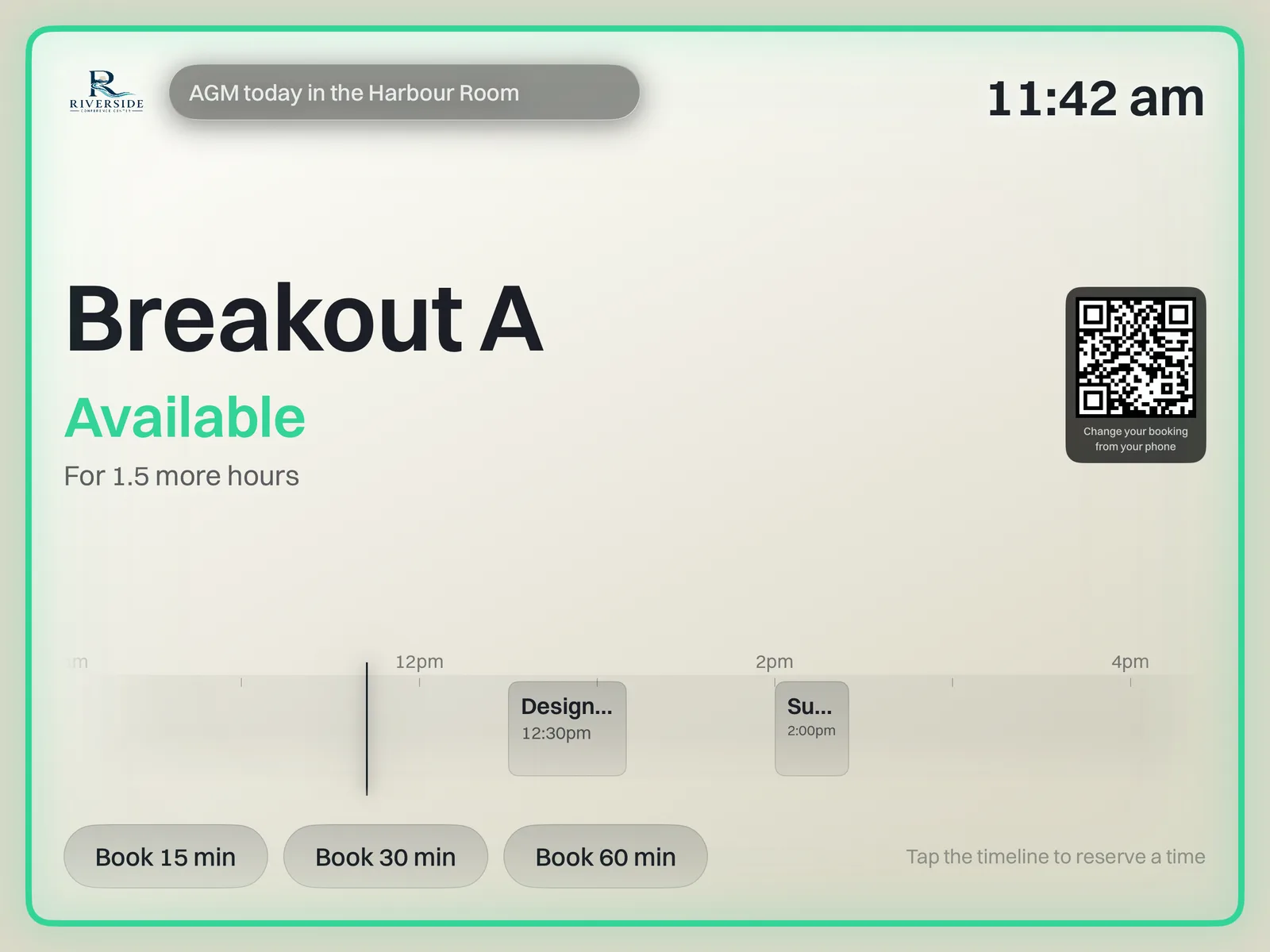
The same panel on a light preset. Every preset is built so the clock, the mark and a notice stay readable on it, dark or pale.
Built to be left alone
It behaves like something screwed to a wall
Quiet at night
Outside working hours it drops to the room, its state and the clock on black. Touch it and the whole panel comes back for a couple of minutes.
Rooms that free themselves
Ask people to check in and the ones who never turn up hand the room back on their own. Nobody has to police a diary full of meetings that did not happen.
Sorted from a phone
A code beside the room name opens your booking on a phone, so a meeting can be extended on the way to it. It changes bookings; it does not hand out new ones.
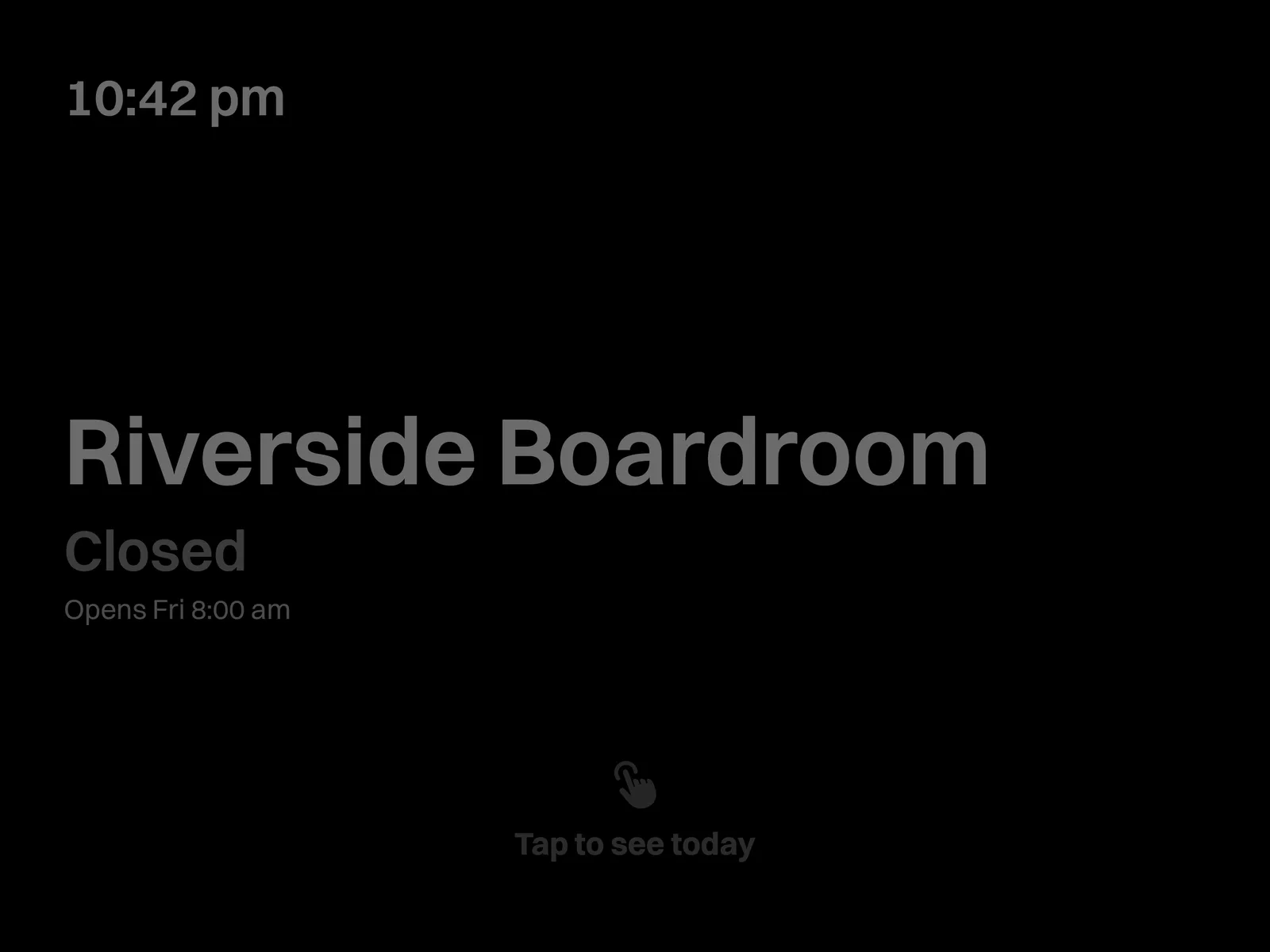
A corridor at two in the morning
A panel is on for years, not for a demo. Overnight it dims to almost nothing, which is easier on the display and on the power bill, and still answers the only question anybody has at that hour.
The rest of the day the border breathes in the room's colour, green or red, so you can read a panel from the far end of a corridor where the words are far too small to make out.
From your desk
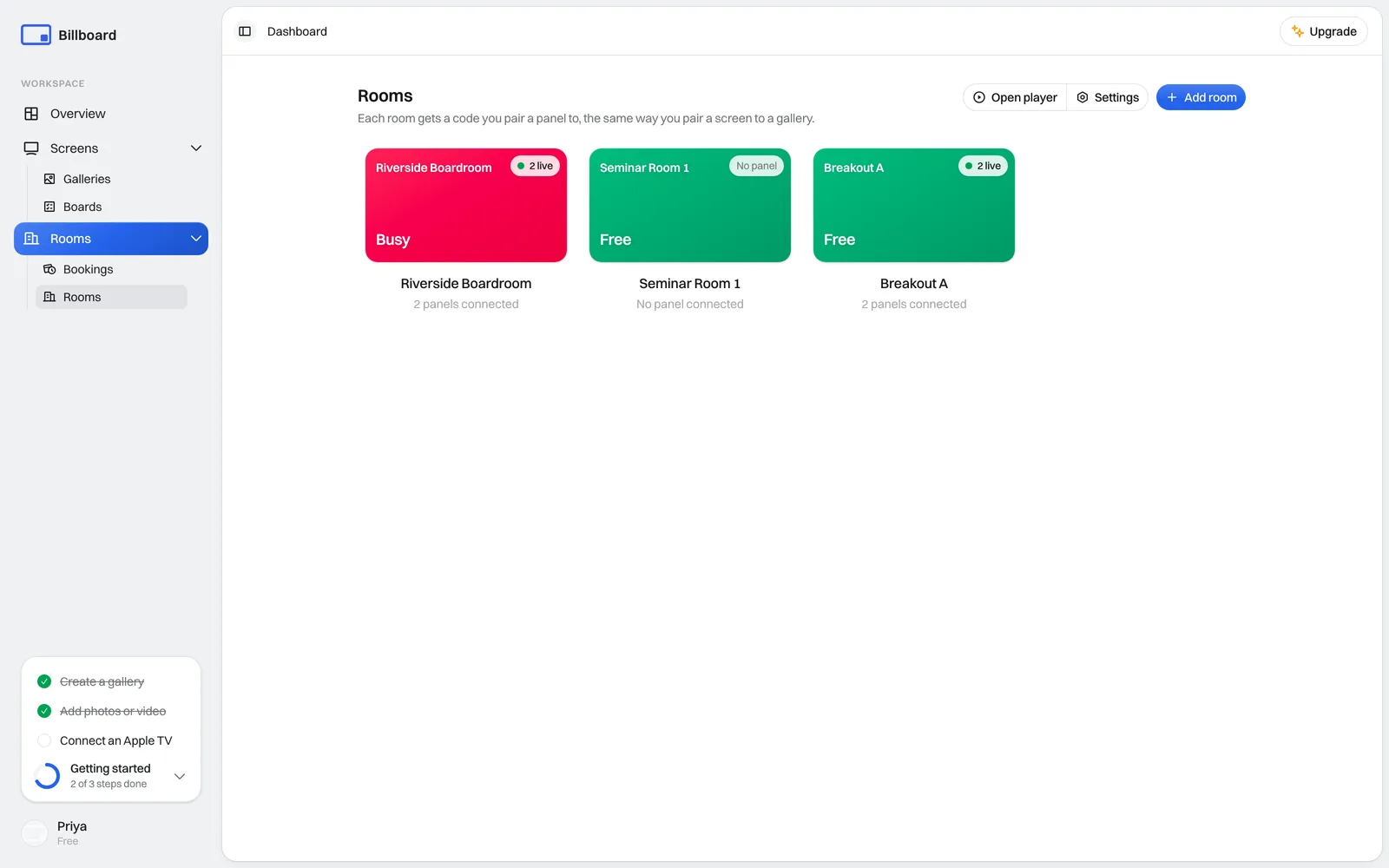
Every room on one page
Which rooms are free, which panels are live, and the hours each room takes bookings. Add a room, connect a panel to it, and leave it alone.
Pricing
Priced per building, not per door
Room booking panels, priced like the rest of us
An iPad outside each door showing whether the room is free, and taking a booking on the spot. Hang as many panels as you like at no extra cost, and they never count against the screens on your plan.
Added to any paid plan. Half price, because you are already a customer.
As many rooms as your plan has screens. 20 on Starter, 50 on Growth.
Rooms without the screens. Add a plan later and it drops to A$15.
Unlimited rooms. There is no plan to read a number from.
- Unlimited panels, never per screen
- Panels don't use your screen allowance
- Book, extend and end at the door
- Runs on an iPad, or any screen with a browser
- Booking links that need no account
Subscribing inside the iPad app costs A$35 a month, which covers Apple's commission. Buying here is cheaper and works on the same panels.