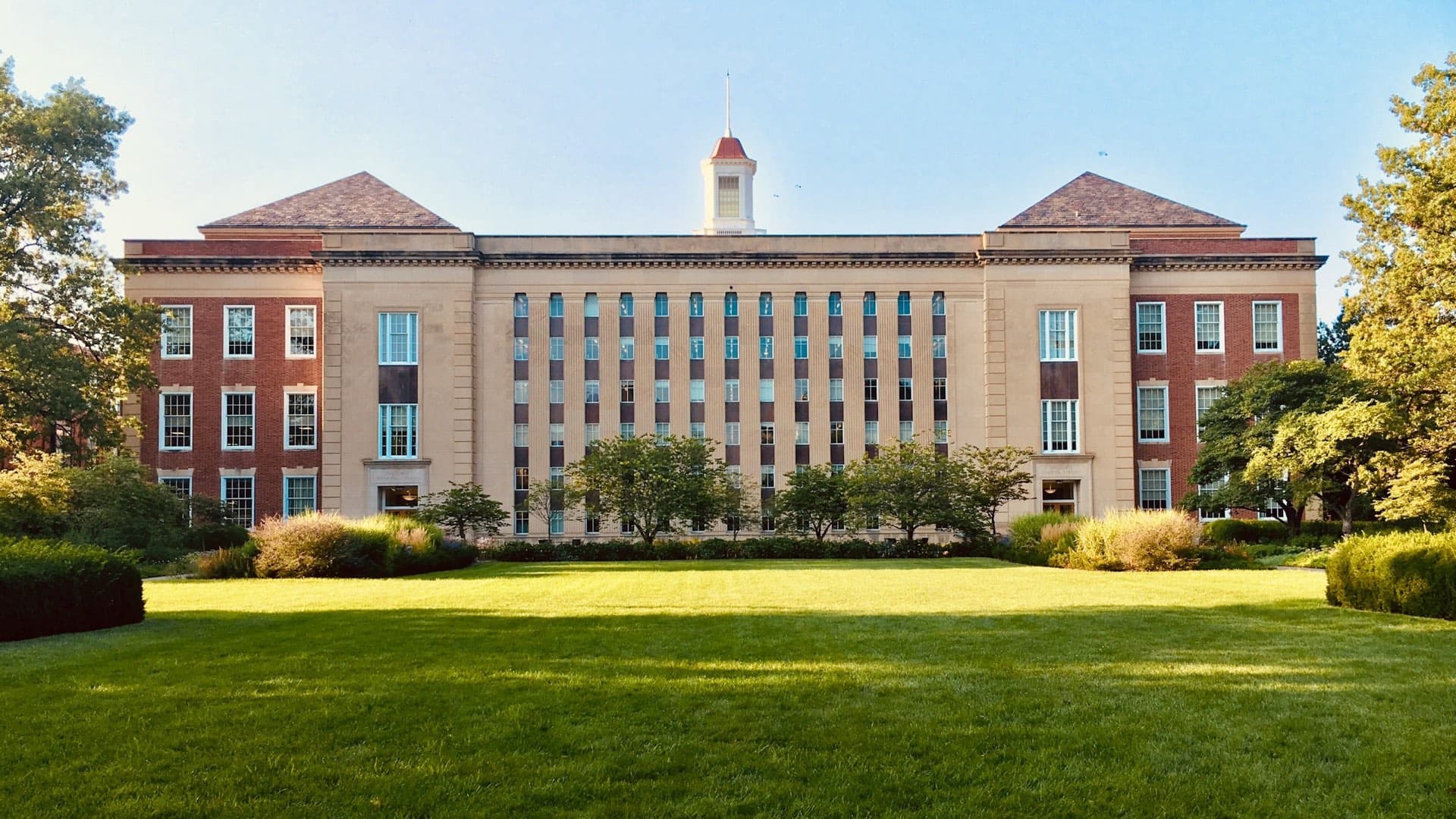
Designed for Apple TV
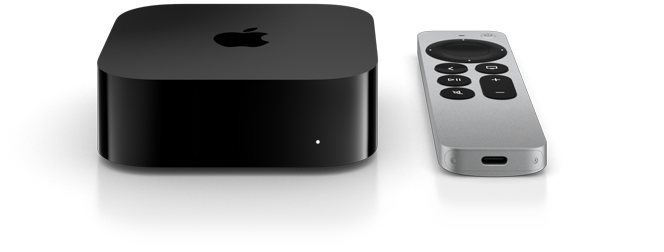
Billboard plays your photos, video and boards on every Apple TV in the building, and anyone can still AirPlay to them in one tap. Manage the whole fleet from one browser, roll it out with Jamf, Intune or Mosyle, and pay one flat price instead of per screen.

Drag the seam
Your best screens shouldn't sit there blank.
Most places lock their Apple TVs into Conference Mode just so people can AirPlay. The catch is a dead screen the rest of the day. Billboard gives you both at once.
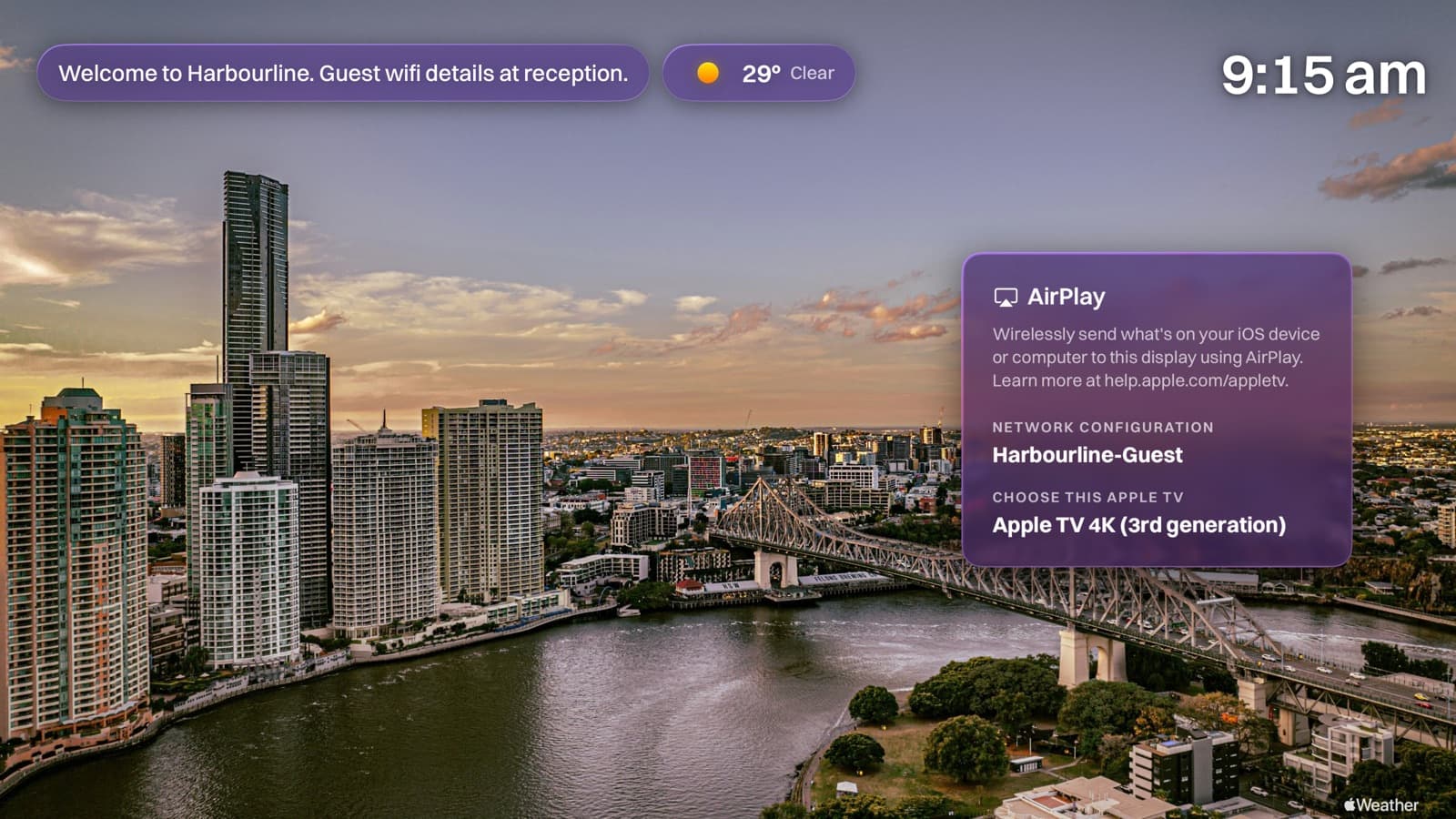
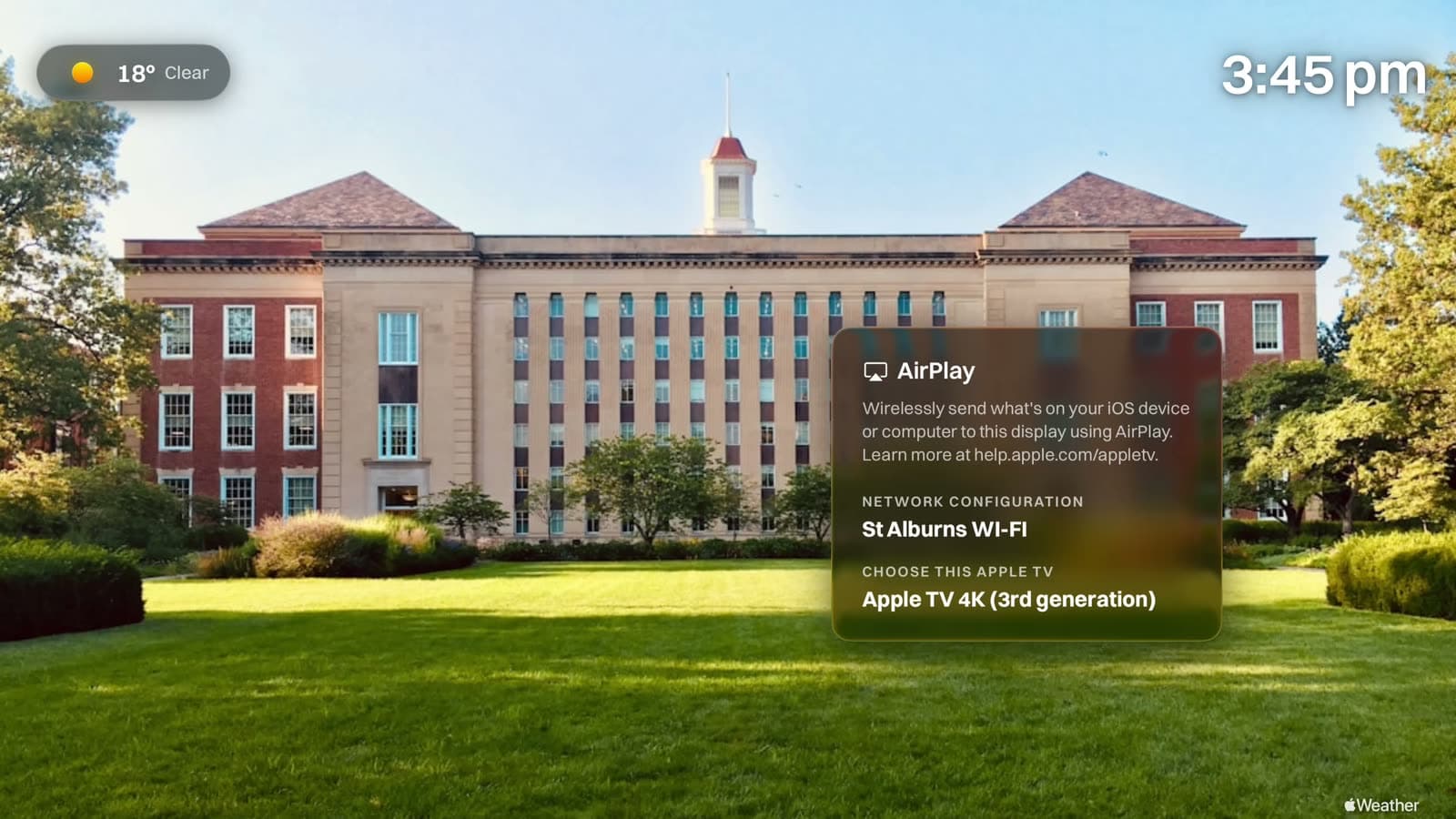
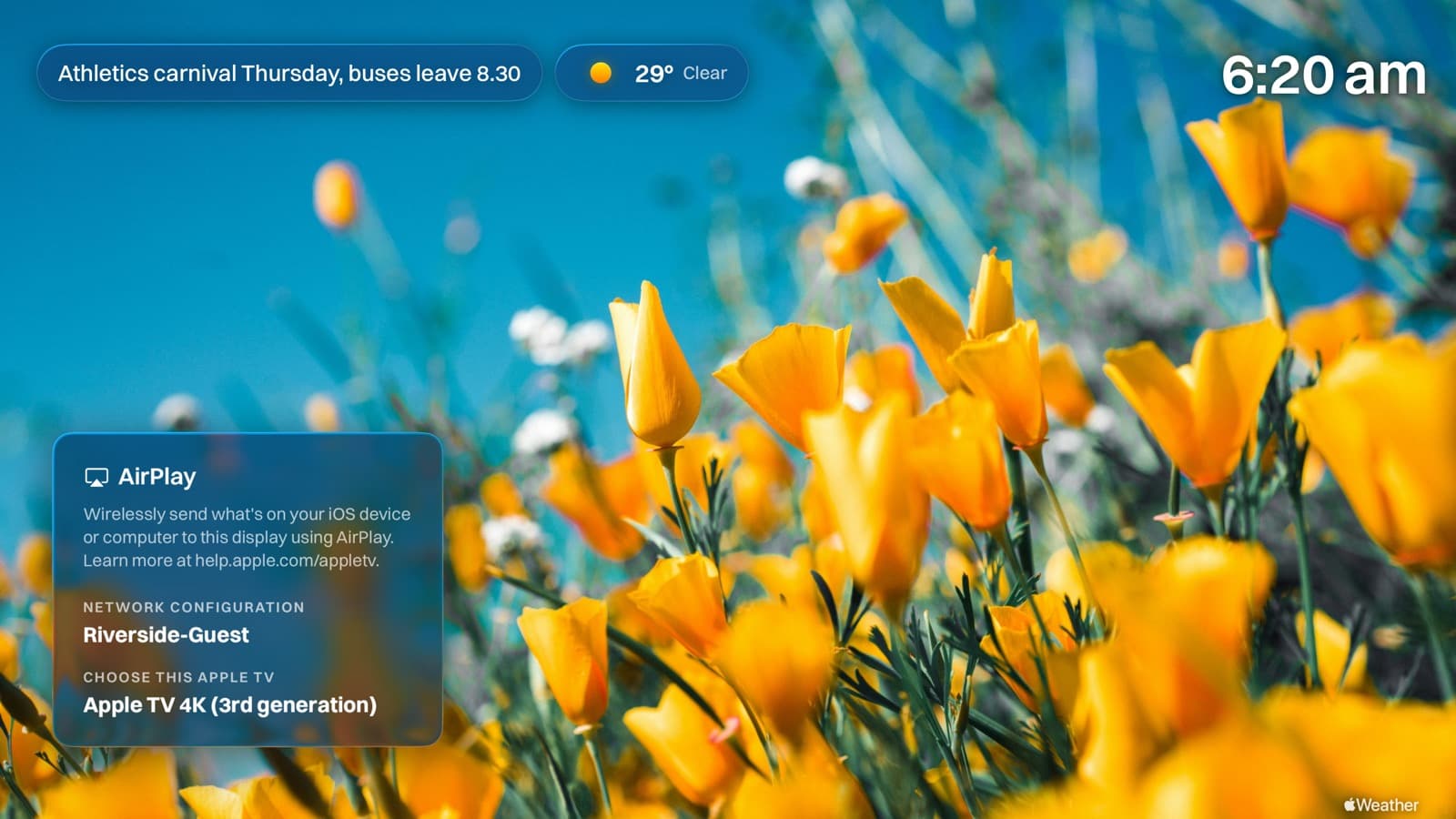
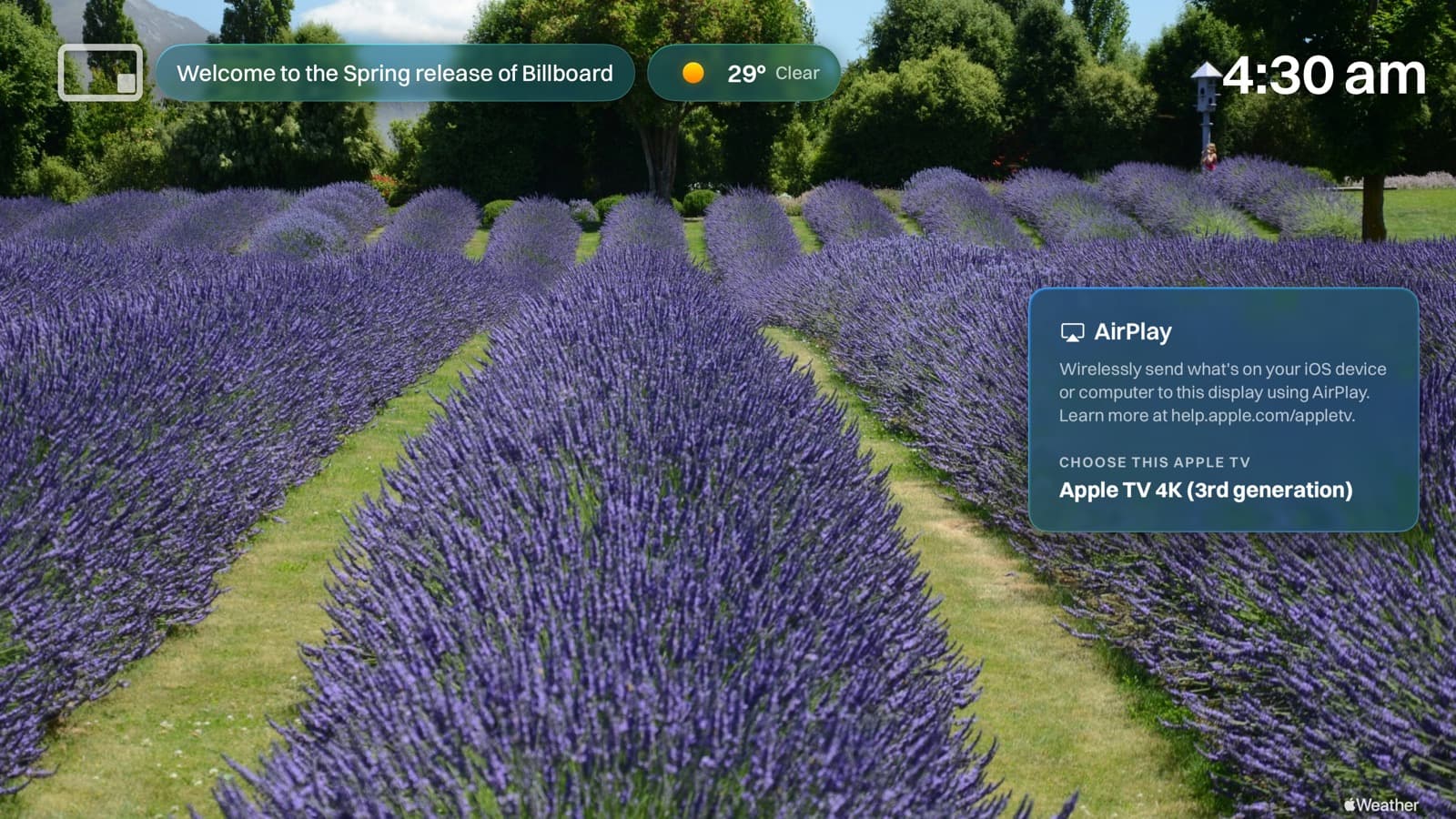
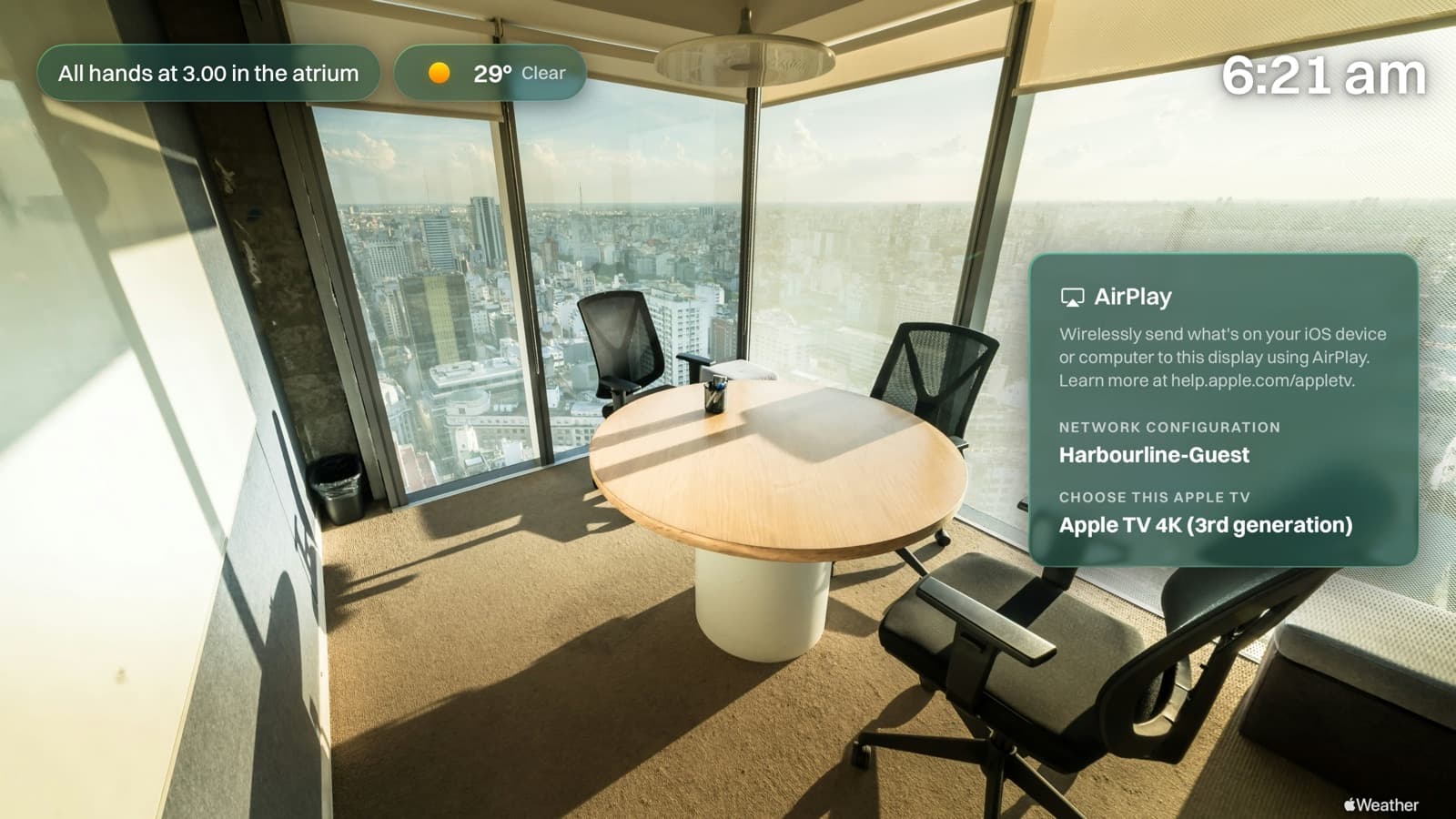
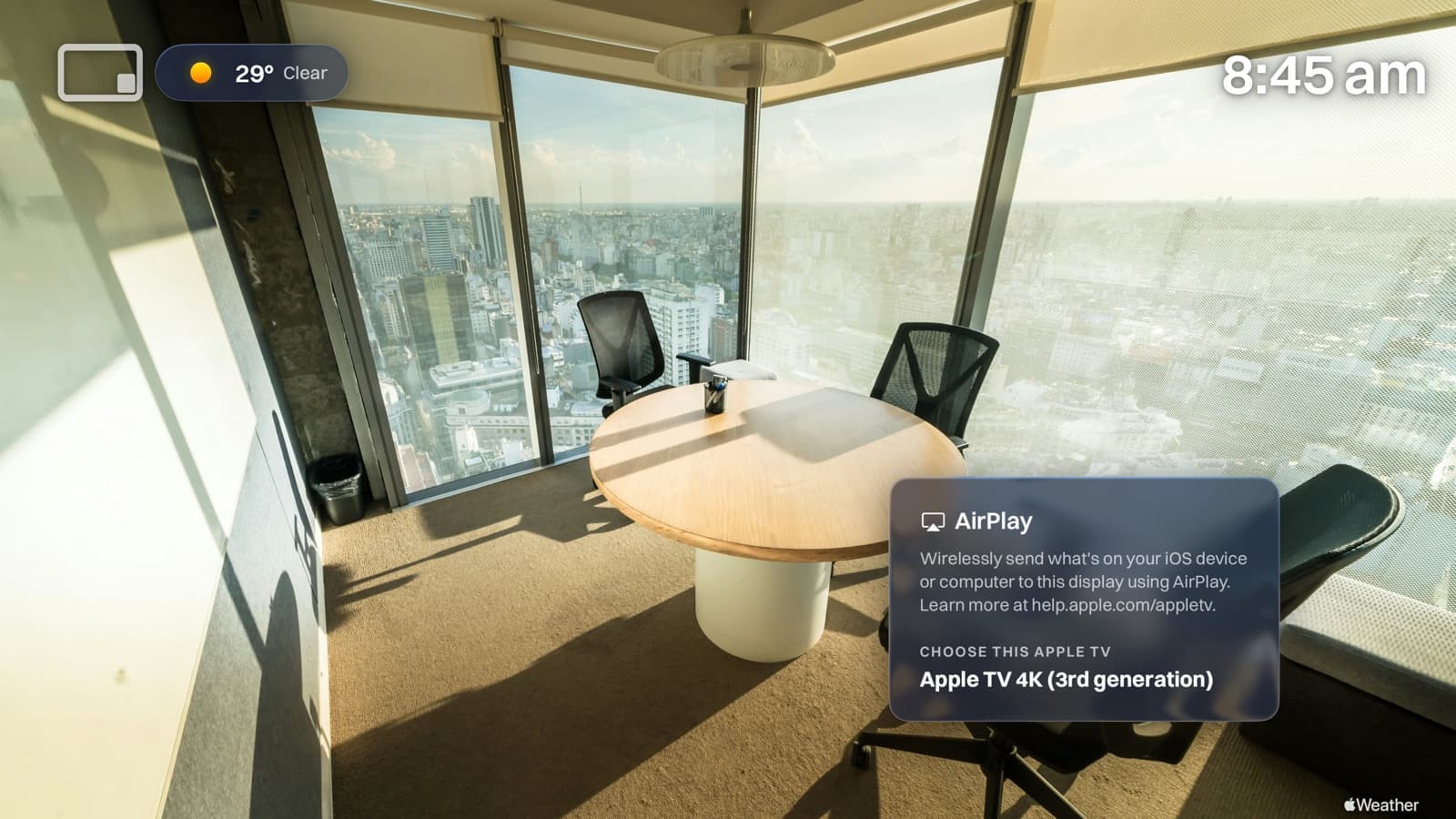
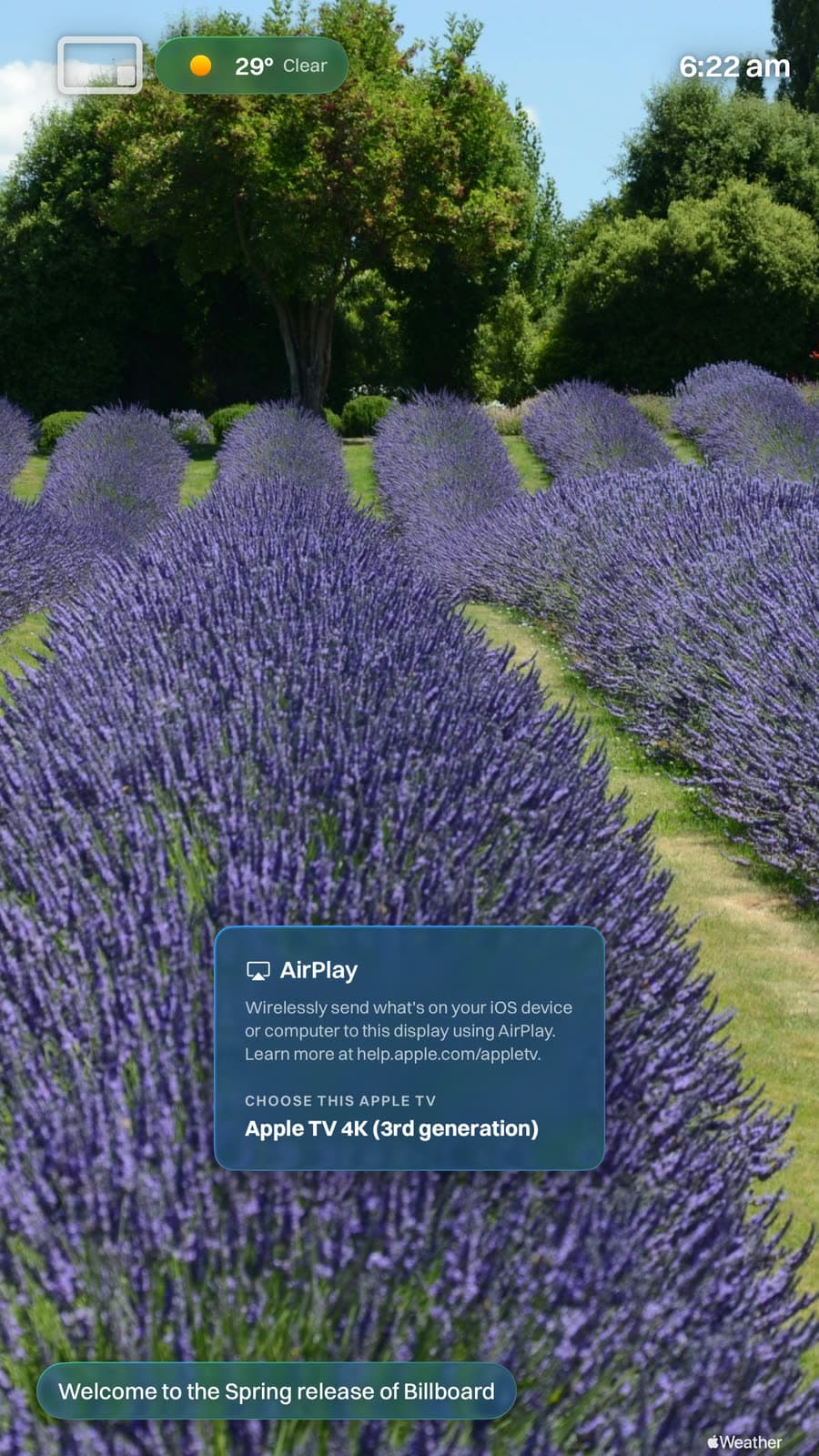
Wirelessly send what's on your iOS device or computer to this display using AirPlay.
Choose this Apple TV
Apple TV 4K
Updates just stop
Park an Apple TV in Conference Mode and it mostly sits frozen on that one screen. Updates queue up and never land, and your devices quietly drift out of date. Billboard runs as a normal app, so your Apple TVs carry on updating the way they should.
Lose the remote, lose the room
Getting out of Conference Mode means finding the remote and digging through settings. Misplace it and you're stuck staring at that screen. Billboard is run from your browser, so a missing remote never holds a room hostage.
One dropped connection and it falls over
Apple's screen leans hard on the network. Knock the Wi-Fi out and things get ugly fast. Billboard keeps showing the content it already has and quietly catches up once you're back online.
Who it's for, and what you get.
Who it's for
Schools, universities, offices and clinics, from a single foyer to a whole district.
Usually two people. Whoever wants the foyer to look right, and whoever has to put it on forty Apple TVs. The content lives in a browser for the first one and the rollout lives in your MDM for the second, so neither has to borrow the other's job.
What you get
- Your photos, video and boards on every Apple TV in the building.
- One-tap AirPlay, exactly like Conference Mode.
- A whole fleet managed from a browser, rolled out with your MDM.
- One flat price for the site, never per screen.
AirPlay still works. That's the whole trick.
AirPlay that still works
AirPlay still works exactly like Conference Mode. Anyone casts in one tap, and the panel drifts between corners on its own so nothing burns into the screen. Watch it move.
Every screen, from one browser
A whole site, saying different things at once.
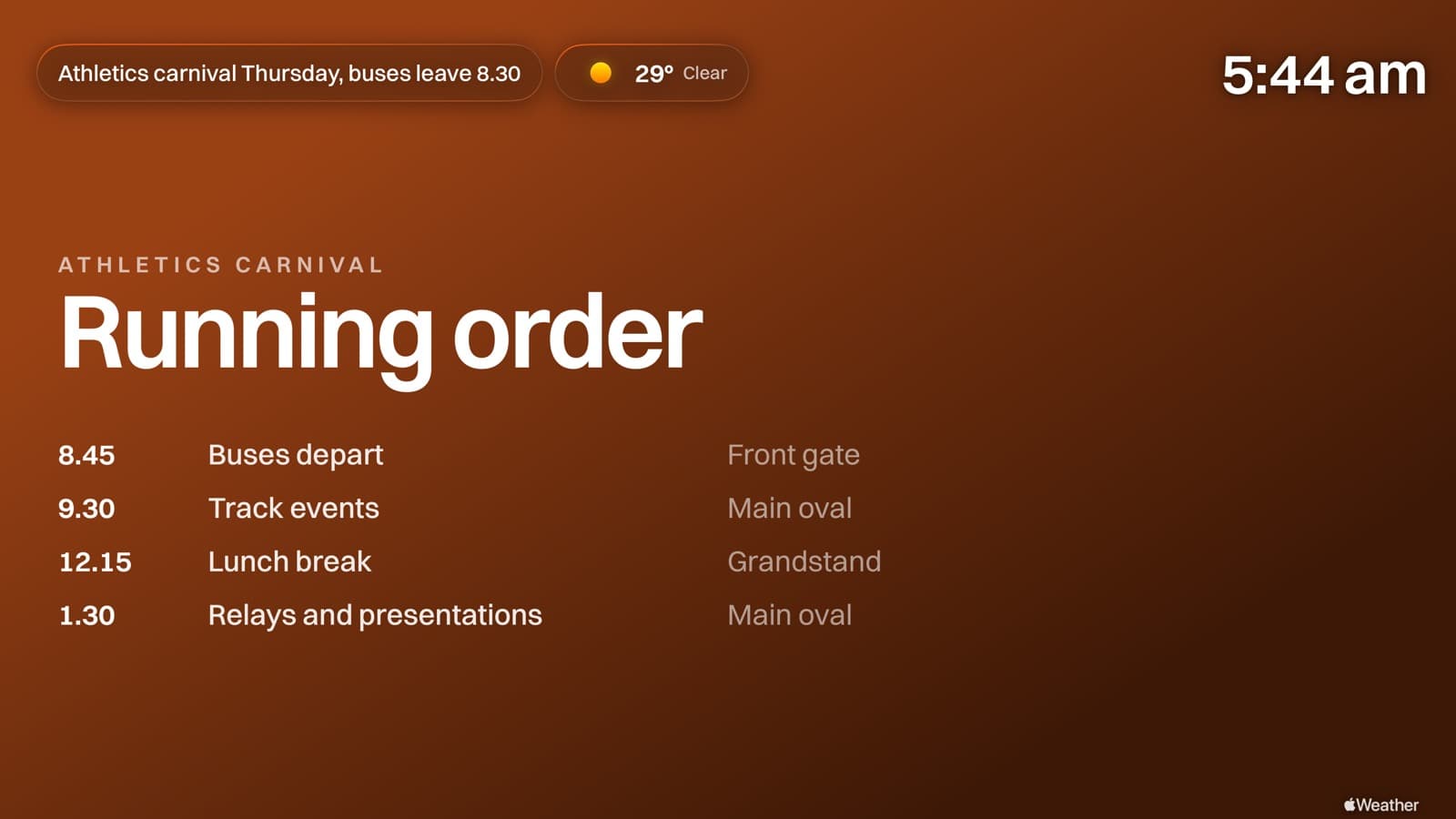
Reception welcomes visitors, the canteen shows today's specials, the gym foyer counts down to the carnival. Change any of it from your desk and the screens catch up within minutes.
Every screen here is the app, not a mock-up.
Boards
Between casts, it can be useful.
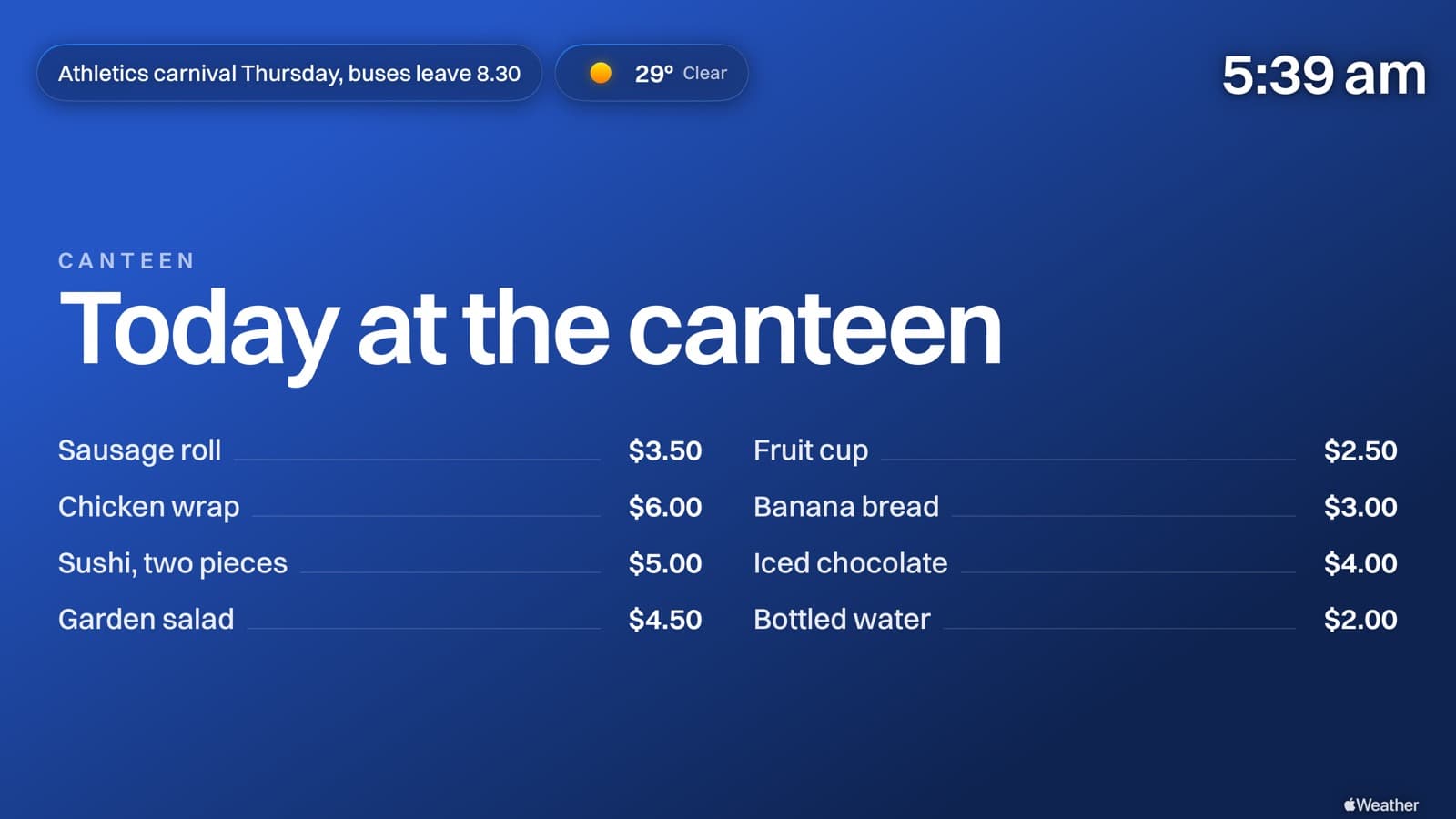
Your photography is the default, and most screens need nothing else. When one does, build a menu, a timetable or a set of notices in the browser and it lands laid out properly. No design tool, and no exporting a JPEG every time a price changes.
The canteen, the carnival, and the notices that never make it home in a bag.
Canteen menu
Make it yours
Your colours, your logo, your weather.
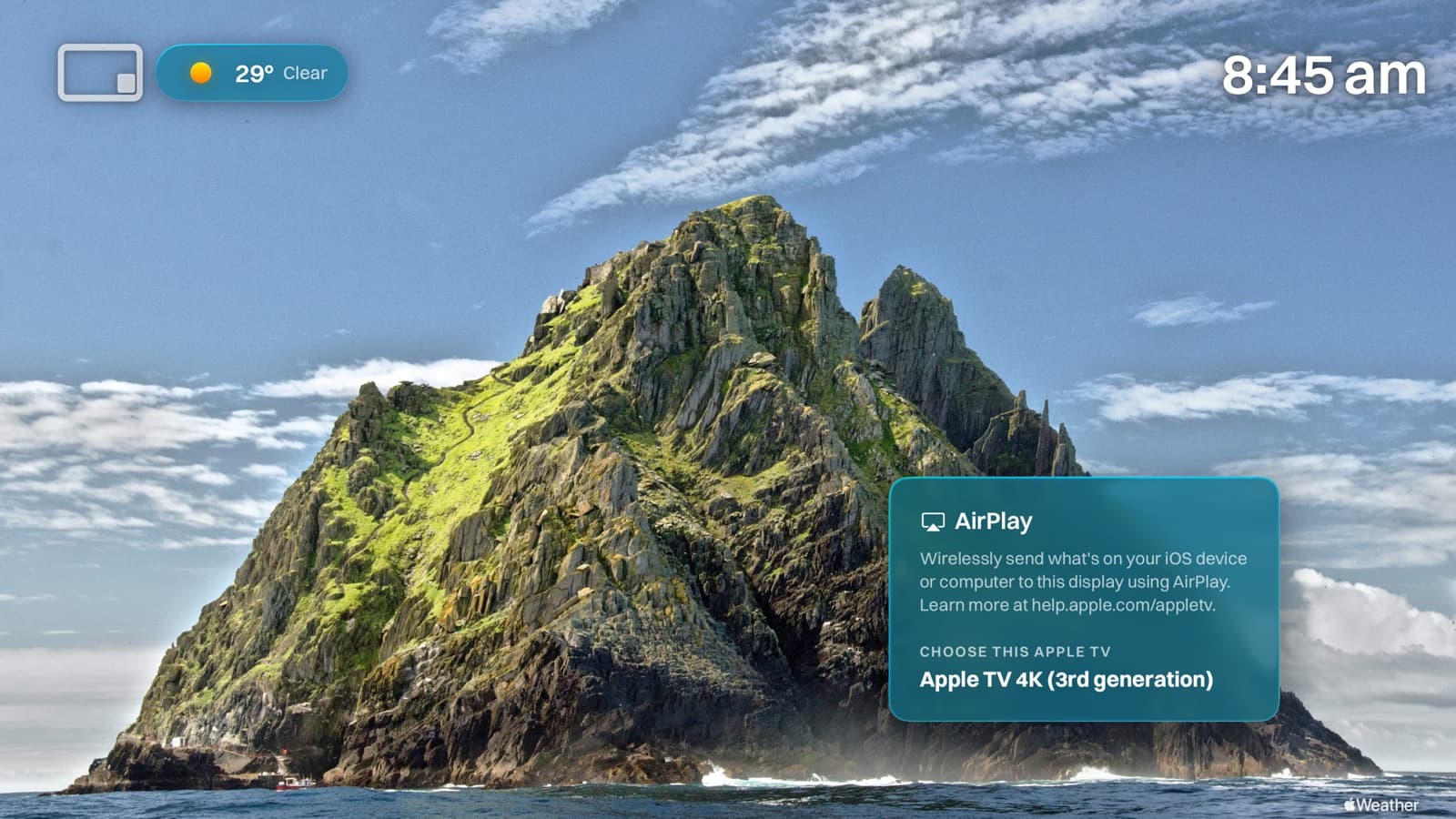
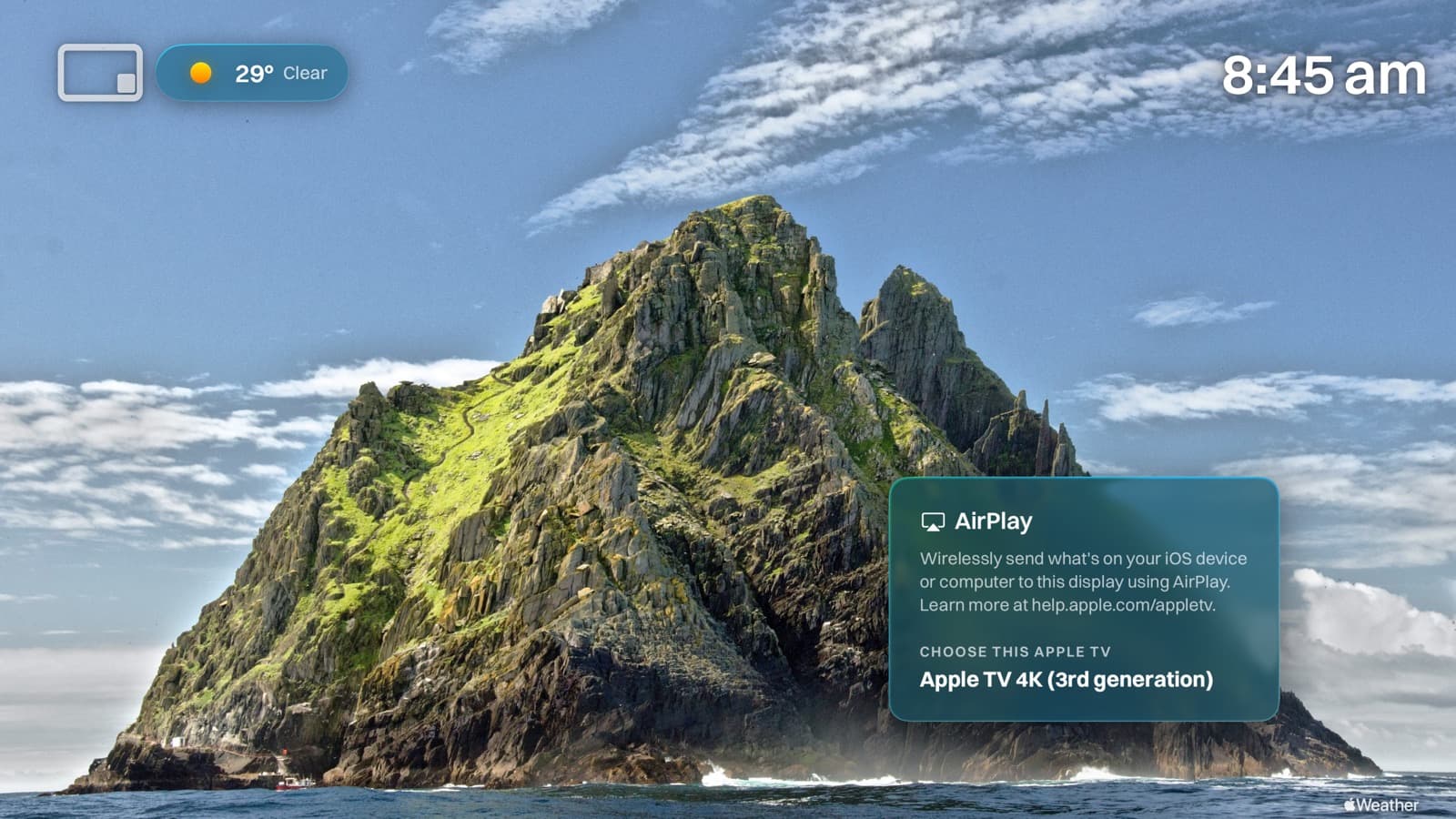
Change a setting and this is the screen it produces. Every frame here is a capture from the Apple TV app itself.
Panel opacity
As bold or as barely there as you like.
Frosted reads from the back of a hall. Glass gets out of the way of the photograph. Medium sits between the two.
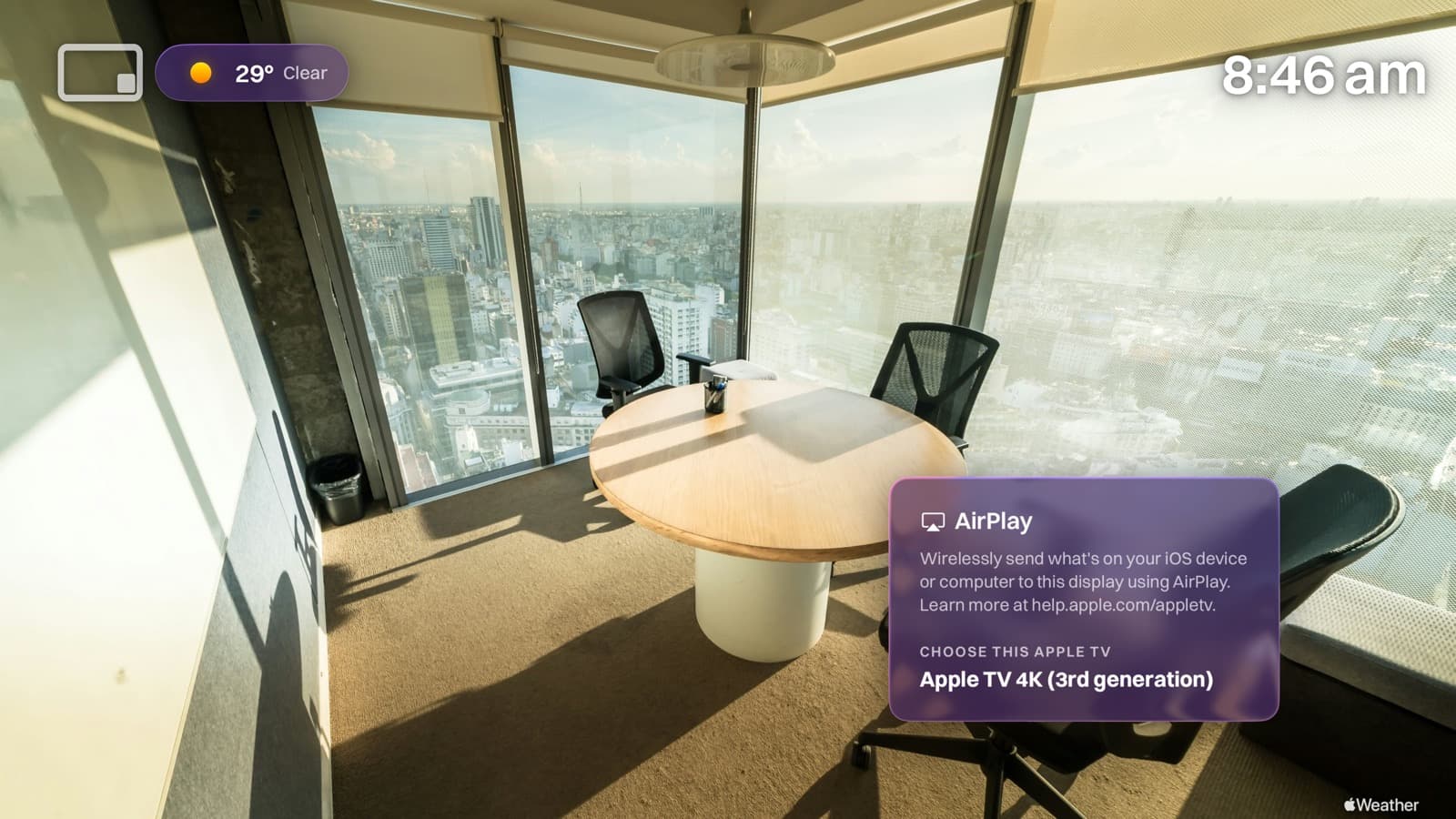
Brand tint
The panel takes your colour.
Any hex you like, applied to the glass rather than painted behind it, so the photograph still comes through.
Weather
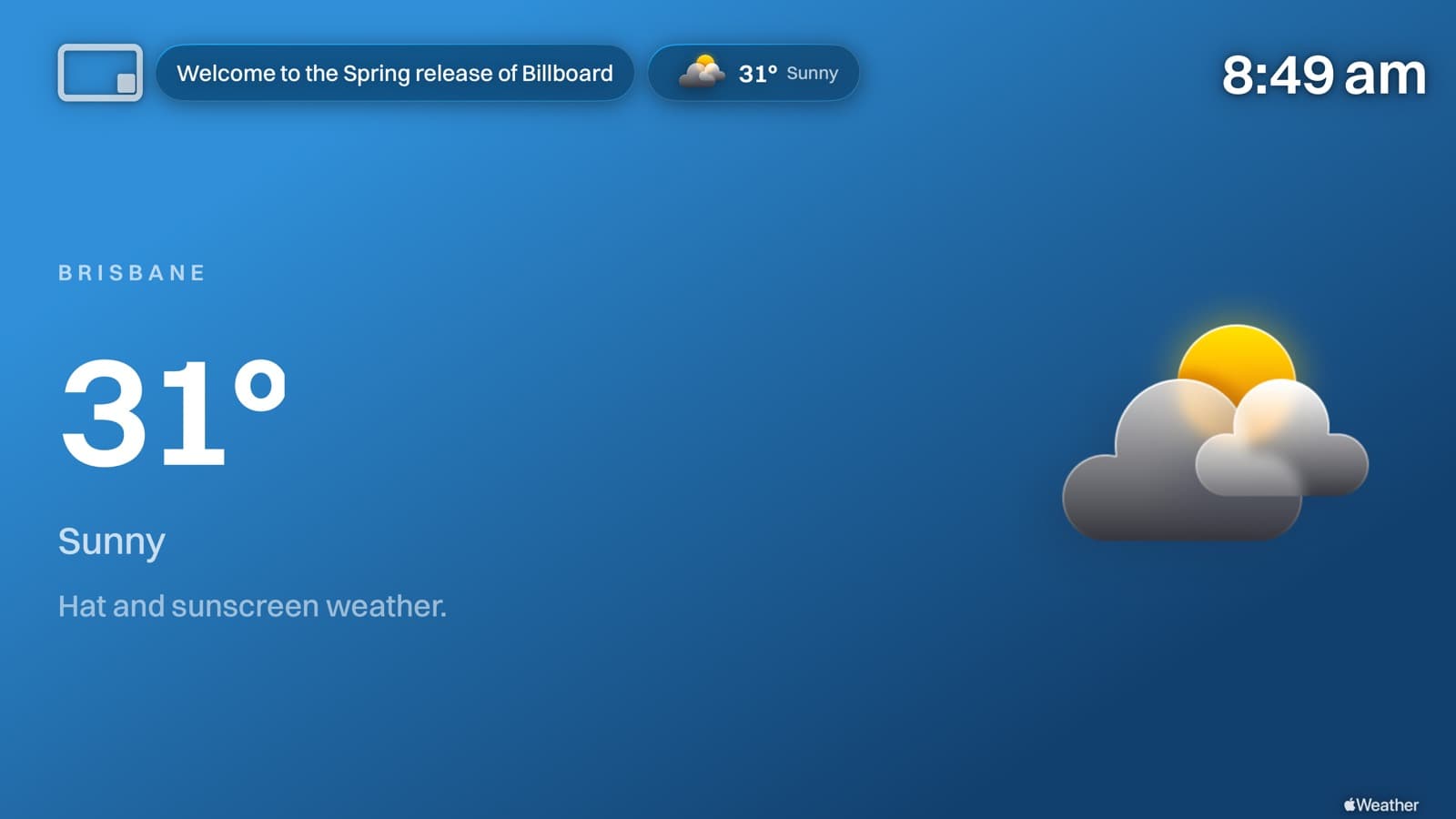
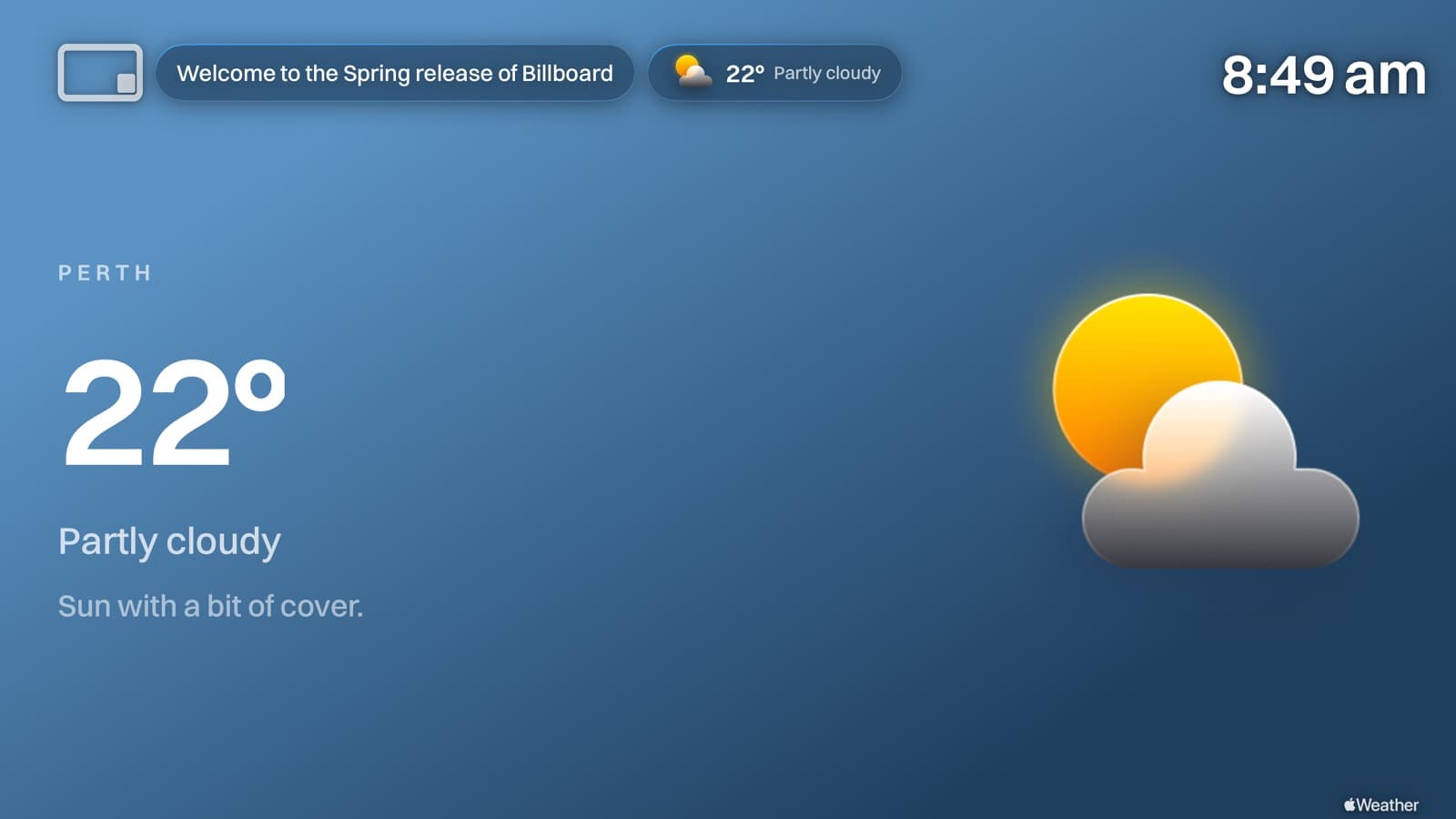
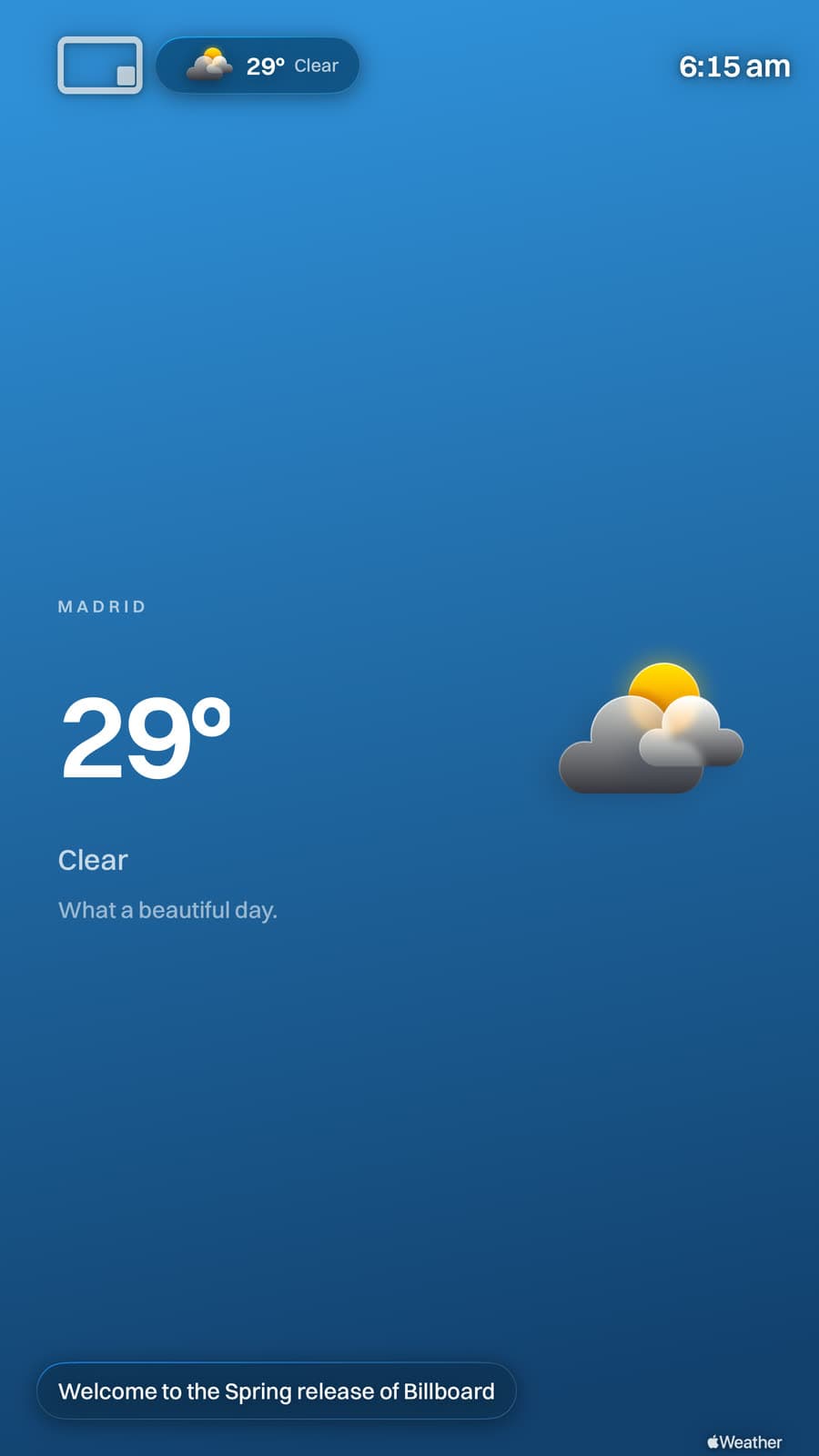
It looks like the sky it is describing.
Clear, overcast, storming, after dark. The forecast comes from Apple Weather and the screen colours itself to match. Nothing to choose.
Portrait
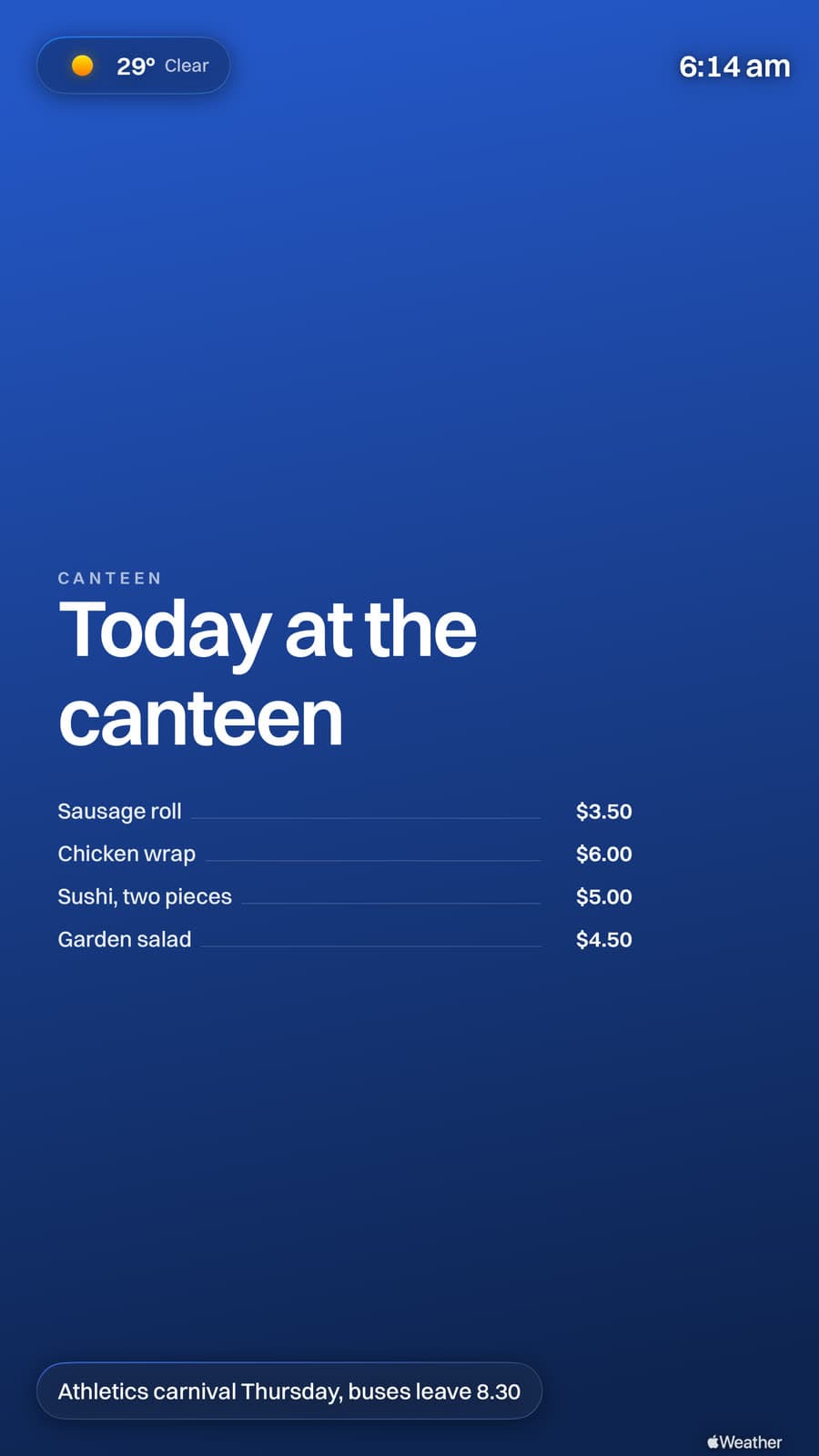
Turn the screen. It follows.
Mount it upright and everything reflows to match, type included. No second gallery, no cropped photos.
Deployment
Push it to four hundred Apple TVs without touching one.
Billboard is an ordinary tvOS app with managed app configuration, so your MDM installs it and tells each screen which gallery to play, what to call itself and which network to name. Unbox, enrol, done. Nobody walks a remote around the building.
One policy, every screen named after its room
Most MDMs substitute per-device variables, so a single configuration gives every Apple TV its own name while sharing everything else. Point a whole site at one gallery, or a different gallery per building.
<dict>
  <key>dataURL</key>
  <string>https://getbillboard.app/m/XHA8TKJH</string>

  <key>deviceName</key>
  <string>$DEVICENAME</string>

  <key>airplayWifiNetwork</key>
  <string>Riverside-Guest</string>

  <key>airplayTint</key>
  <string>#1E3A8A</string>

  <key>screenRotation</key>
  <integer>0</integer>

  <key>showClock</key>
  <true/>
</dict>
The keys you will actually set
Managed config outranks whatever is set on the device, so a screen that someone has fiddled with comes back into line on its next check-in.
- dataURL
- String
- Which gallery this screen plays
- deviceName
- String
- The name shown on the AirPlay panel
- airplayWifiNetwork
- String
- The network people should join
- airplayTint
- String
- Your brand colour, as hex
- airplayOpacity
- String
- Frosted, medium or glass
- screenRotation
- Integer
- 0 or 90, for upright mounts
- showClock
- Boolean
- Clock in the corner
- logoURL
- String
- Your mark in the top bar
A written guide for every one of these
Buying through Apple Business or School Manager works the same way. Add Billboard to Volume Purchasing and your MDM installs it like anything else.
Built to be left alone
Wi-Fi drops, and the screen keeps playing what it has, then quietly catches up. tvOS updates overnight, and the app comes back on its own. Nothing here needs you after the day you set it up. That's the actual product.
What it costs to leave it
The screens stay grey and the building's most visible surfaces keep saying nobody's home. Or you buy per-screen signage and watch the invoice climb with every TV you mount, until finance asks you to defend a number you never chose. Or you build the duct-tape version, a Slides hack on a spare Pi, and now you own it personally, including the morning it dies in front of visitors.
Setup
Live in three steps.
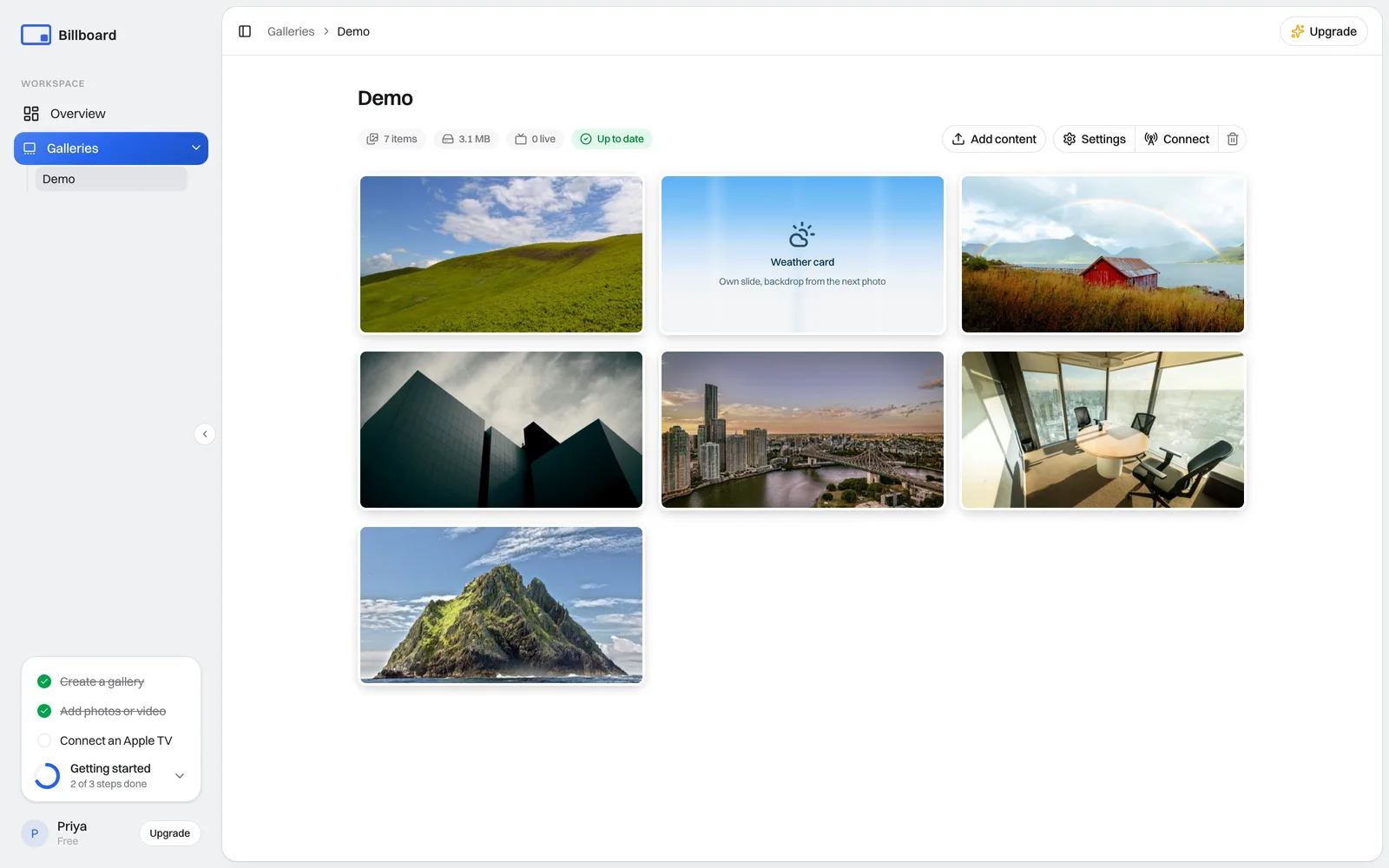
- 1
Create a gallery
Upload the images and video each screen should show.
- 2
Open the app on your Apple TV
It shows a short code, unique to that screen.
XSVC-JA
getbillboard.app
Enter this code to connect this screen
- 3
Connect it from your dashboard
Enter the code to link the screen, or skip the codes entirely and push the whole fleet from your MDM.
Pricing
Most signage charges per screen. We charge per plan.
Twenty screens or fifty, the number on the invoice is the same. Free on two Apple TVs to start.
Priced per screen
A$20
A$10 a screen a month, the cheap end of what per-screen vendors charge, and it climbs with every display you add.
Billboard, Growth
A$40
One price for the whole band, up to 50 screens. It has not moved once while that number climbed.
2 screens across your site. You save A$0 a month.
Work out your own numberFor trying Billboard on a couple of displays.
- 2 Apple TV screens
- 1 GB media storage
For a school or a small office.
- Up to 20 Apple TV screens
- 20 GB media storage
For a bigger site with several buildings.
- Up to 50 Apple TV screens
- 50 GB media storage
For a whole district or company.
- Unlimited Apple TV screens
- 256 GB media storage
Every plan includes
- Unlimited galleries
- Images & videos
- Automatic updates to every screen
- Conference-Display AirPlay panel
- Custom branding
- MDM-friendly deployment
Screens are counted per Apple TV. You only pay more when you add more, and there are no per screen surprises. Prices are in Australian dollars and include GST, so the figure above is what you pay.
A year from now
The foyer shows this term's photos and the person who cares about the foyer updates them herself. The canteen board changed at 8:40 without an email to IT. A teacher walked in, tapped AirPlay, taught. The power cut on Saturday, and by Monday every screen had put itself back. The invoice was the same number as last year, so it renewed without a meeting. Your total involvement since rollout: none. That was the point.
Put something worth looking at on every screen.
Free on two Apple TVs, forever. The app is free on the App Store, and you can be live before the next bell.

Questions, answered.
What is Billboard?
It's a Conference Room Display alternative for Apple TV. It turns any Apple TV into signage that plays your own images and video, branded how you want, and keeps one-tap AirPlay working exactly like Conference Mode.
Does AirPlay still work with Billboard?
Yes. Anyone can AirPlay to the screen in one tap, exactly like Conference Mode. Lessons and meetings never skip a beat.
How much does Billboard cost?
Free on two Apple TVs, forever. Paid plans are one flat price by screen count, not per screen, starting at A$10 a month. A whole site can cost less than a handful of screens priced individually elsewhere.
Which devices does Billboard run on?
Billboard runs on Apple TV (tvOS). You manage everything from any browser, and the Apple TV app is free on the App Store.
Can I roll it out with MDM?
Yes. Roll out across hundreds of Apple TVs with Jamf, Mosyle, Intune or Apple Configurator. Enter a code, or push it as managed config through Apple School Manager.
How do I get started?
Create a free account, upload images and video to a gallery, then open the Billboard app on your Apple TV. It shows a short code you enter in the dashboard to connect that screen. You can be live in a few minutes.